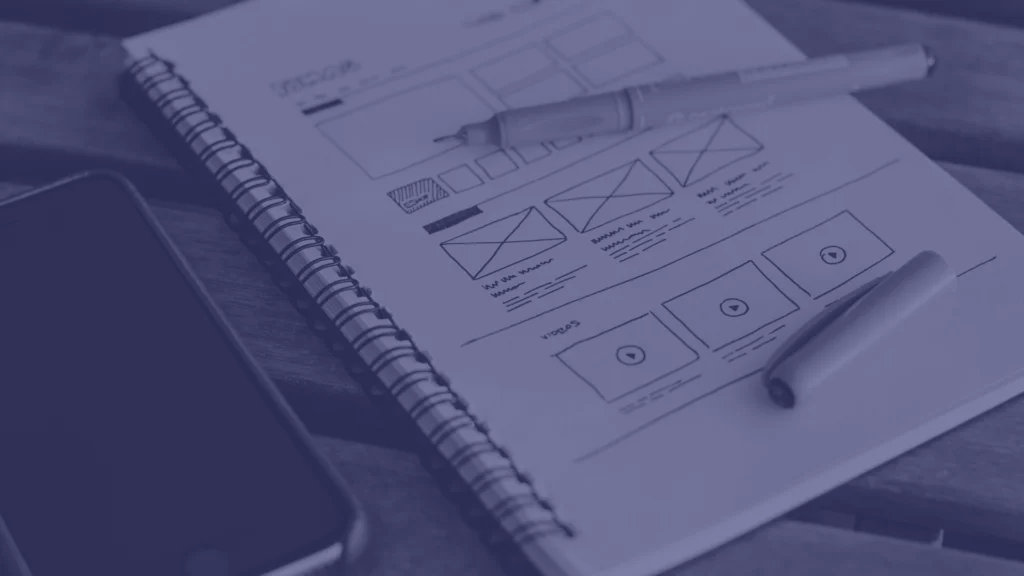


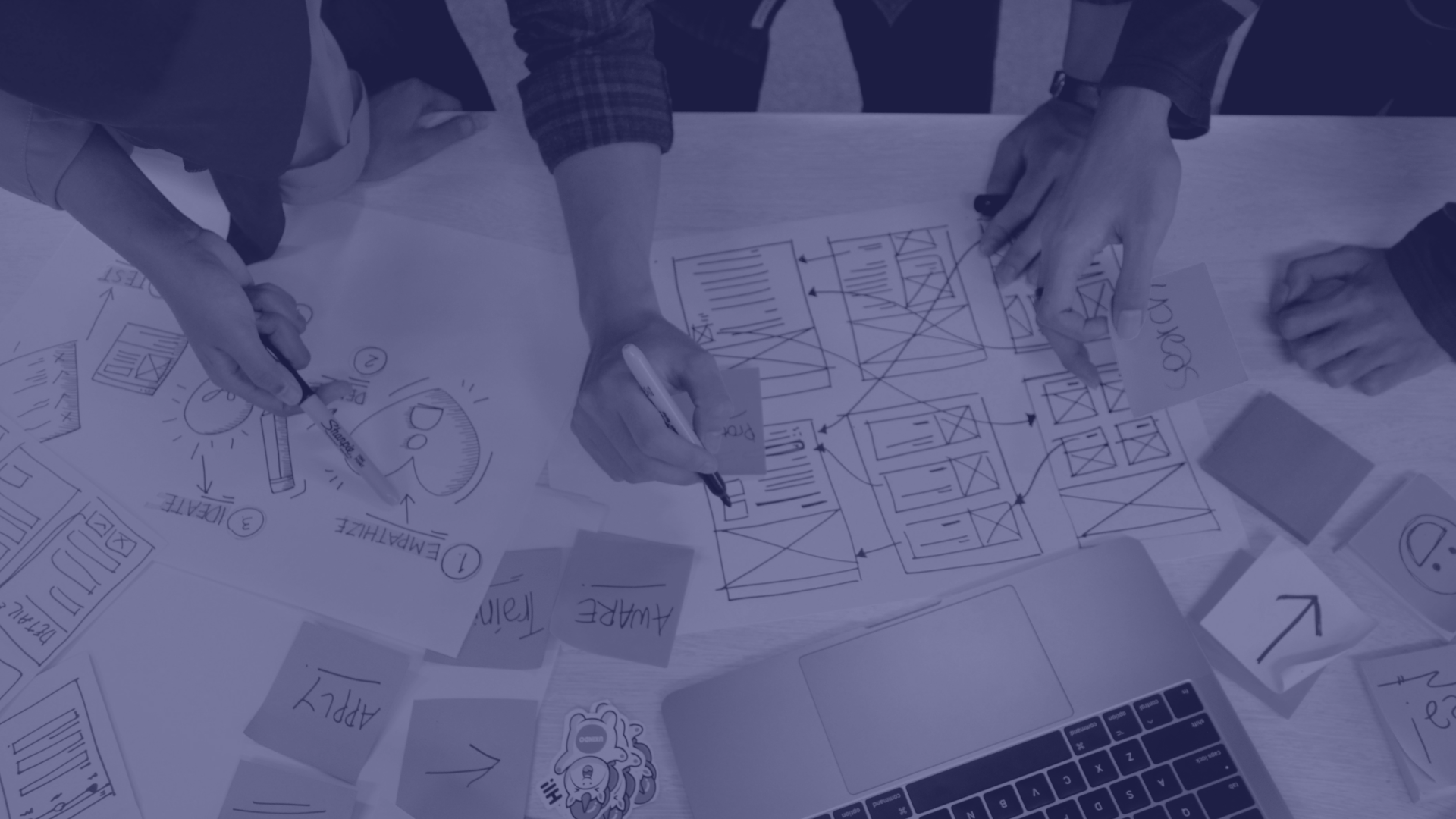
At Opel Solutions, we’ve designed interfaces for software products where a genuinely useful feature was getting ignored simply because nobody could figure out how to use it — buried in a menu, unclear what it actually did, missing the feedback that tells someone whether their action actually worked. Good UI/UX isn’t about making something look modern. It’s about making a real product’s complexity disappear for the person using it. We know how to design for that, not just for a portfolio screenshot.

Whether you’re designing a new product from scratch or trying to fix one that’s confusing real users right now, we focus on one thing: interfaces people can actually use without thinking about it.

What Actually Makes UI/UX Design Work?

1. Competitors Analysis

Designing a product interface without understanding who’s actually using it — their technical comfort level, what they’re trying to accomplish, what confuses them right now — means guessing at solutions to problems nobody’s actually confirmed exist.

We research real users through interviews and usability observation before designing anything, building an actual understanding of their workflows and pain points instead of relying on assumptions about what users “probably” want.
2. Information Architecture Before Interface Polish

A beautifully designed screen sitting inside a confusing navigation structure or an illogical multi-step flow doesn’t fix the underlying problem — it just makes the confusion look nicer.

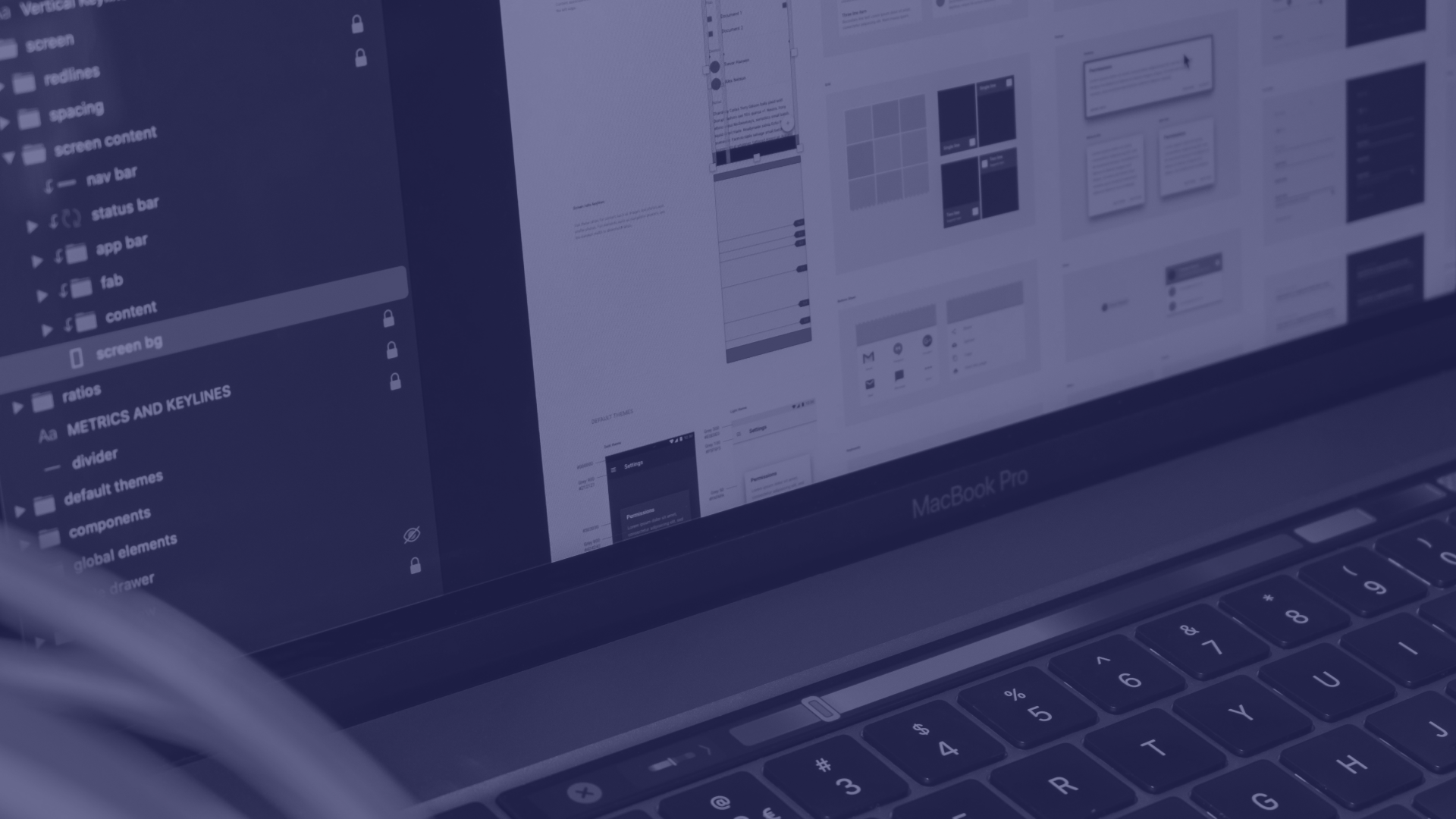
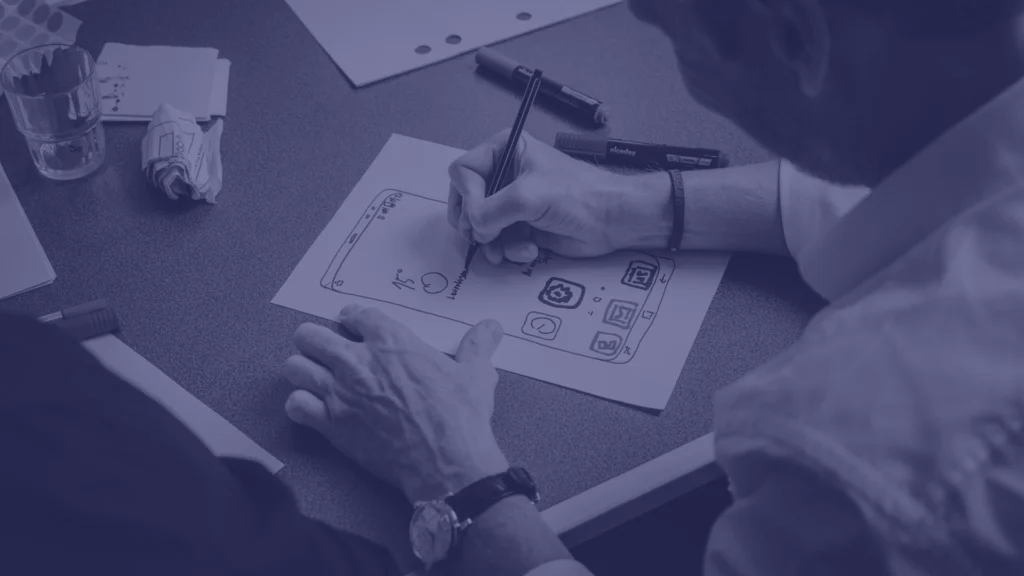
We map information architecture and user flows first — how someone actually moves through a complex process, what needs to happen at each step — before any visual interface design begins. The structure has to make sense before it gets polished.

3. Interaction Design That Doesn't Make People Think

Every unclear button state, missing loading indicator, or ambiguous error message forces a user to stop and figure out what’s happening instead of just continuing with what they were trying to do.

We design real interaction states — loading, success, error, empty — and micro-interactions that give clear feedback at every step, so using the product feels obvious instead of requiring someone to guess whether something worked.

4. Design Systems That Scale With Your Product

A one-off design for a single feature doesn’t help the next ten features stay consistent — without a real design system, products drift into a mess of slightly different buttons, spacing, and patterns that nobody planned.

We build documented design systems with real, reusable components your engineering team can actually implement consistently, so the product stays coherent as it grows instead of accumulating small inconsistencies with every new feature.

5. Usability Testing That Tells You What's Actually Confusing

Assuming a design works because it makes sense to the people who built it is one of the most common ways real usability problems make it all the way to production.

We test designs with real users before development, and after launch when possible, catching confusion and friction points while they’re still cheap to fix — not after they’ve already frustrated your actual customers.

Finding Your Perfect People

We start by talking to and observing real users, understanding their actual workflows and where they currently get stuck, rather than designing from internal assumptions about what they need.

That research shapes information architecture and interaction priorities before any visual design work begins.

Structure and Flow Before Visual Design

Most of the products we’re asked to fix jumped straight to visual polish without solving the underlying flow — which is exactly why a nice-looking screen still confuses real users.

We map the actual user flow and information architecture first, testing whether it makes sense structurally before any interface design happens.

Validating With Real Users, Not Just Internal Review

Design gets tested with actual users, not just approved internally by people already familiar with the product, since familiarity hides exactly the kind of confusion a new user actually experiences.

What We Actually Do For You?

Strategy and Setup

We start with real user research — interviews and observation of how people actually use or would use your product — rather than designing from internal assumptions about user needs.

Then we identify the core workflows and pain points that actually matter, prioritizing design effort around what's genuinely confusing or valuable to fix first.

Information Architecture and User Flows

We map how users actually move through your product's key workflows, testing whether the structure and navigation make logical sense before any visual interface design begins.

This is where the real usability problems get caught and solved — much cheaper to fix at this stage than after a full interface is built.

Interaction and Visual Design

We design real interaction states — loading, success, error, empty states — and the micro-interactions that give users clear feedback, alongside the visual design itself, so the interface never leaves someone guessing whether something worked.

Design System Development

We build documented, reusable component systems your engineering team can actually implement consistently, so the product stays visually and functionally coherent as new features get added over time.

Usability Testing and Iteration

We test designs with real users before and after development where possible, catching genuine confusion and friction points early, and iterate based on what real usage actually reveals rather than internal assumptions about what should work.

UI/UX DESIGN SERVICES SAN DIEGO

Why Choose Us?

A Team That Tests With Real Users Before You Build vs. A Designer Who Guesses What Users Want and Moves On

Research-Driven

Product Design,

Not Just Visual Polish Applied to Assumptions

We Research Real Users, Not Just Assume We Know Them

Interviews and usability observation ground every design decision in how people actually use your product, not internal assumptions about what they probably need.

We Design and Document Systems Your Engineers Can Actually Implement

Design systems come with real documentation and reusable components, not just a static mockup that leaves engineering guessing at the details.

We Test Before You Build, Not After Users Are Already Confused

Usability testing happens early enough to actually change the design, catching confusion while it's still cheap to fix rather than after it's already shipped and frustrating real customers.

FAQs.
How much does this cost?

We provide custom quotes based on your specific needs.

How long does it take?

Small business redesigns: 6-10 weeks. Larger projects: 12-16 weeks. We provide exact timelines in our proposals and stick to them.

Can you just improve my existing site without starting over?

Absolutely. We can audit your current site, identify specific issues, and make targeted improvements. Often more cost-effective than full redesigns.

Do you only do websites?

We design websites, mobile apps, web applications, and SaaS platforms. Whatever digital experience you need. 

Will my site work for people with disabilities?

Yes. We follow accessibility guidelines on every project. Proper contrast, keyboard navigation, screen reader compatibility. Accessible design helps everyone.